Define useful status data before the enclosure is opened or a service visit is scheduled.
A remote RF channel reports low output. The enclosure is closed, the equipment is installed, and the service team must decide whether to dispatch a technician, inspect the surrounding system or prepare a replacement module.
The value of RFPA remote monitoring is the context it can provide before that decision. If the selected module exposes relevant status information, telemetry can help distinguish a commanded disable state, a thermal condition and a load-related alarm. Those indications guide the next check; they do not, on their own, establish the root cause.
Useful monitoring begins with maintenance questions, then maps them to documented data and an agreed response. An interface label alone cannot provide that service workflow.
Start with the maintenance decision
Consider a fixed radio cabinet with several RF channels. If one channel’s output falls, replacing its PA immediately may leave the underlying problem unresolved. The channel may have been disabled by the controller, or the surrounding supply, cooling or load conditions may require attention.
Before specifying a dashboard, identify the decisions the service team needs to make. The table below lists candidate information to discuss with the module supplier. It is a requirements checklist, not a list of standard Linkaris monitoring fields.
| Maintenance question | Candidate information to confirm | What still needs checking |
|---|---|---|
| Is the channel commanded off or faulted? | Commanded enable state, reported operating state and relevant fault indication. | Host commands, interlocks and the documented state definitions. |
| Is a thermal condition involved? | Available temperature indication or thermal alarm, including its measurement location. | Cooling conditions, sensor meaning and the relevant operating limits. |
| Is the load condition relevant? | Available load-related alarm, reflected-power reading or VSWR estimate, if supported. | Measurement point, validity conditions, cables, connectors and the specified load limits. |
| Is the displayed information current? | Host receipt time, last valid response and communication health. | Whether the display is fresh, stale or unavailable; where timestamps are generated. |
Treat status as evidence for the next check
A thermal alarm can justify reviewing cooling conditions. It does not automatically identify a damaged power device, and a housing temperature reading should not be presented as junction temperature unless that relationship is explicitly defined.
Likewise, a load-related indication can direct attention to the RF output path without identifying a particular cable or antenna fault. Interpret each field using its documented meaning, measurement point and valid operating conditions.
Where supported data can be logged by the host, the sequence of events may be more useful than a single snapshot. Preserve the operating state and relevant readings around an incident so the next engineer can review what changed.
RS485 needs an application protocol and a host path
RS485 defines electrical characteristics of the communication interface. It does not, by itself, specify an application protocol, command set or register map. Two products labelled RS485 therefore need not accept the same commands or expose the same information. Modbus support must be confirmed explicitly rather than assumed. [1]
For RFPA integration, request the protocol description for the proposed module and configuration. Confirm serial settings, addressing, message framing, error handling, data definitions and which commands are read-only or writable.
Remote access also requires a host architecture. A local controller may read the PA over RS485 and make approved information available through the equipment’s supervisory network or another remote service path. An RS485 port alone does not establish an Internet connection, a cloud dashboard or a complete remote maintenance service.
Define the data before designing the screen
Field meaning and scaling. Confirm units, scaling factors, valid ranges, unavailable-value encoding and whether a quantity is measured, estimated or a simple state flag. Where raw values are used, document how the host converts them into engineering units.
Timing and freshness. Distinguish the module’s internal update interval from the host’s polling and display intervals. Ask whether brief events are retained and how stale data is identified. A readable value can still be too old to describe the present condition.
Alarm and recovery behaviour. Establish what asserts an alarm, what clears it, whether it is latched and whether acknowledgement or an approved reset is required. Clearing an alarm display and restoring RF operation are separate behaviours to confirm.
Communication loss and restart. Define the host’s response to a timeout and the module’s documented behaviour after a controller restart, module power cycle or restored communication. Loss of communication must not be displayed as evidence of normal PA operation.
Configuration control. Keep the protocol revision, firmware identity where available, module configuration and host interpretation together. A register definition change can affect service decisions even when the physical connector remains the same.
Evaluate the maintenance benefit in practical terms
Telemetry may reduce avoidable diagnostic work when it helps the operator identify a disabled channel, collect relevant context or narrow the checks required at the site. It can also help the visiting technician arrive with the appropriate test equipment and a clearer inspection plan.
The benefit depends on data quality and the service process. Monitoring cannot replace a physical repair, an external RF measurement or an on-site inspection when those are required. It also depends on the host being able to retrieve and preserve useful information.
Assess the result using maintenance records: diagnostic time, visits made mainly to collect status, repeat visits and the completeness of incident logs. Compare equivalent equipment and operating conditions before attributing any change to telemetry. Do not treat a dashboard as proof of a particular cost saving.
Validate the monitoring workflow during acceptance
Acceptance should check the information path as well as the RF path. Compare known operating states with the host display, verify interpretation and scaling against appropriate references, and confirm which data is unavailable in each state.
Within approved procedures, check how documented alarms are presented and cleared, how communication timeouts appear, and what the operator sees after communication is restored. Use agreed simulation methods or supported service functions where appropriate; RF operation must remain within the module’s specified limits.
Keep the test conditions, protocol version, configuration and expected host behaviour in the acceptance record. This gives production and service teams a common basis for interpreting an incident.
Discuss the required monitoring configuration with Linkaris
Linkaris offers RS485-controlled RF power amplifier options for OEMs and system integrators. The available measurements, status fields, commands, update behaviour and alarm handling must be confirmed for the proposed model and configuration.
Begin with the service questions your team needs answered. Then review the required fields against the module interface and your host-controller architecture. This keeps the discussion focused on useful visibility and a workable maintenance process.
Common questions about RFPA remote monitoring
Does an RS485 interface guarantee Modbus compatibility?
No. RS485 describes the electrical interface. The application protocol, supported commands and register definitions require separate confirmation.
Are output power, temperature and VSWR always available?
No. Availability, measurement method, scaling and validity conditions depend on the selected module and configuration. Include the fields you need in the requirements review.
Can a reported fault be cleared remotely?
That depends on the documented control and recovery behaviour. Confirm whether the fault clears automatically, requires acknowledgement or permits a remote reset, and under which conditions.
Send the status fields your service team needs
Planning remote RFPA monitoring? Send Linkaris your required status fields, host-controller interface, expected fault and recovery behaviour, and the frequency, output and operating conditions of the project.
Use the Linkaris contact page to begin a monitoring and interface review: https://linkaris.tech/contact/
Technical reference
[1] Texas Instruments, RS-485 basics: Introduction. https://www.ti.com/document-viewer/lit/html/SSZTCS4
Website publishing information
SEO title
RFPA Remote Monitoring and RS485 for Maintenance
Meta description
Plan RFPA remote monitoring around useful status data, RS485 protocol details and fault behaviour to support better maintenance decisions.
Primary keyword
RFPA remote monitoring
Secondary keywords
RF power amplifier telemetry; RS485 amplifier control; RFPA status monitoring; RF equipment maintenance; amplifier fault diagnostics
Suggested URL
/blog/rfpa-remote-monitoring-rs485-maintenance/
Suggested excerpt
Useful telemetry helps service teams ask better questions before opening an RF enclosure or scheduling a visit. Confirm the data, protocol and recovery behaviour for the selected module.
Internal link suggestions
Link the requirements-review CTA to https://linkaris.tech/contact/ and the first relevant Linkaris RFPA mention to https://linkaris.tech/.
Suggested image alt text
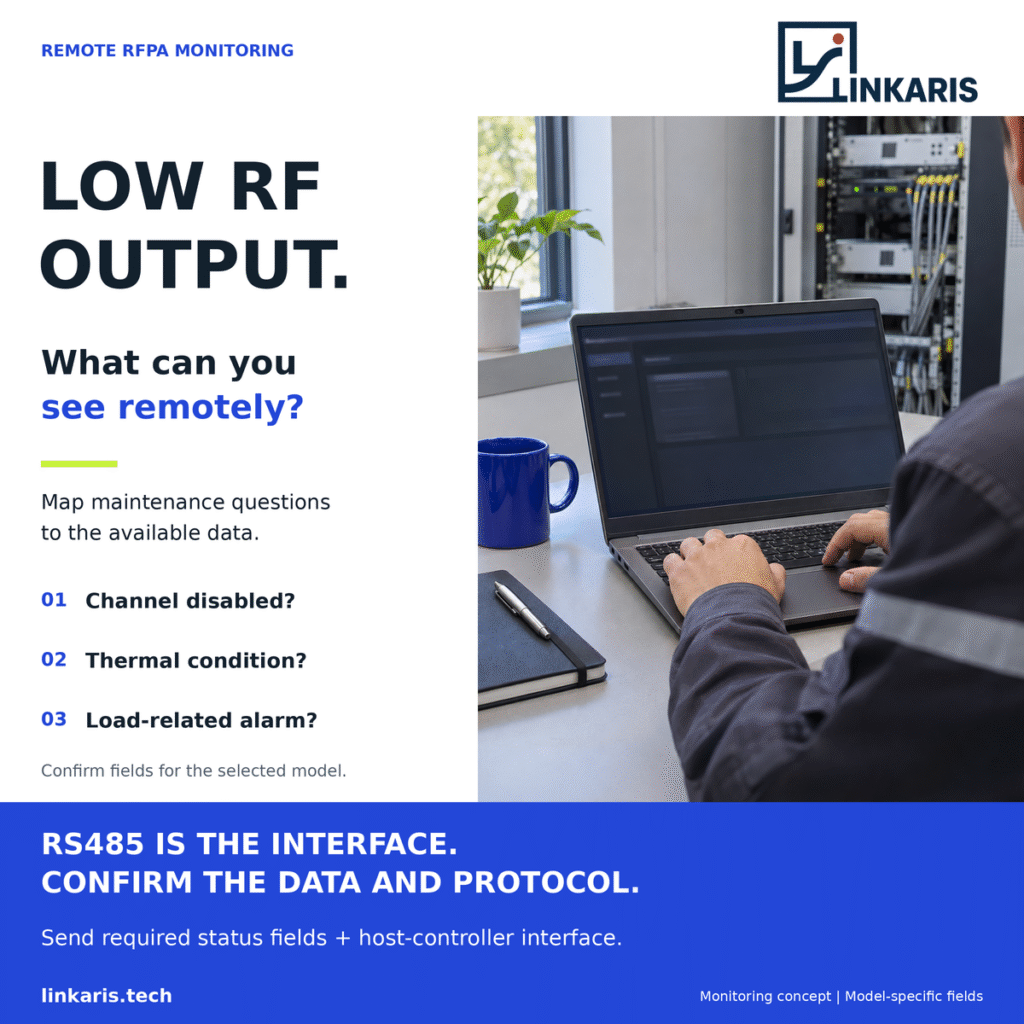
Maintenance engineer reviewing RFPA monitoring information on a laptop before a service decision.
Suggested image caption
Illustrative monitoring scene. Available data and control behaviour depend on the selected module and configuration.
 Chat with us on Telegram
